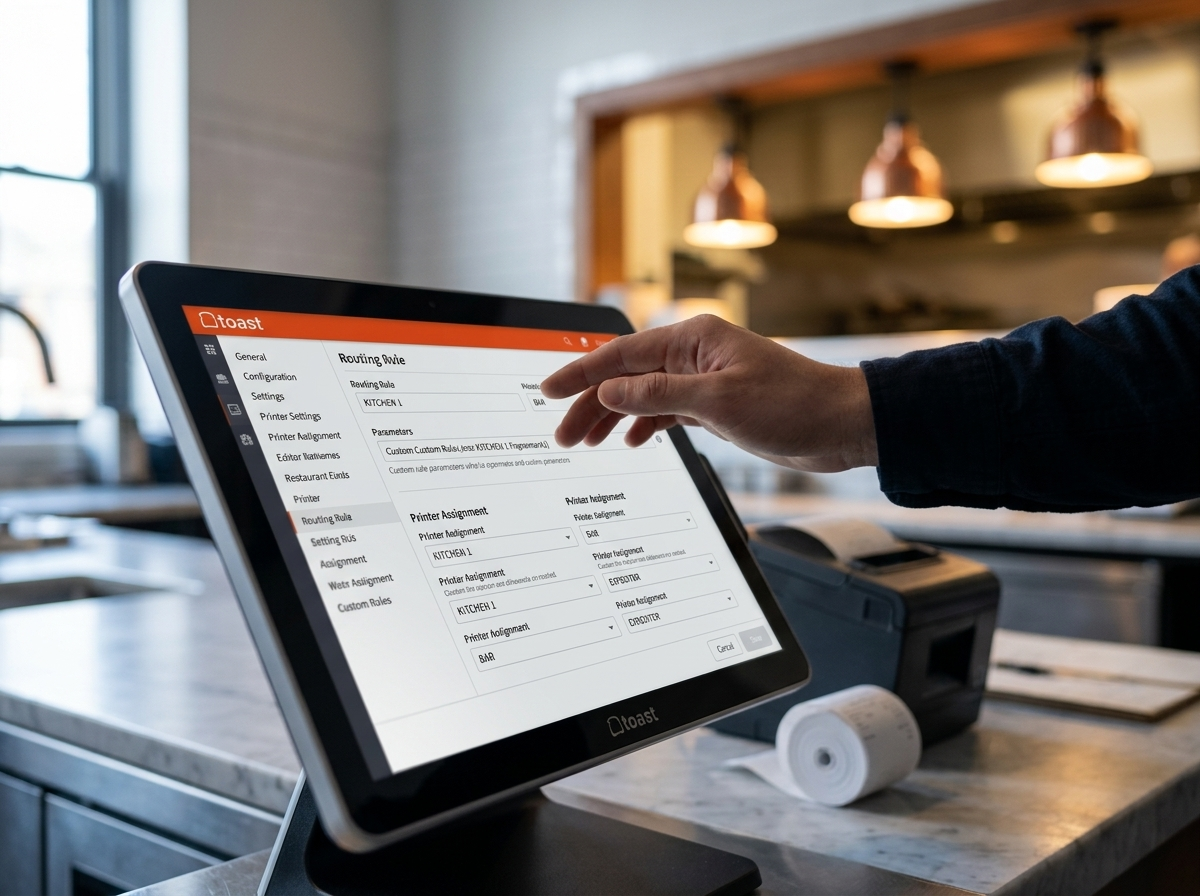
Testing a Toast printer setup is tedious. You build your routing rules, you place a test order, and a printer somewhere in the kitchen fires. Maybe the right one, maybe not. The only way to know is to keep testing. Operators burn through tape. The kitchen gets annoyed. You still don't have full confidence in the configuration before you go live.
For this client, that problem was multiplied. More than 10 printers spread across FOH and BOH. Two kitchens. Two dining areas in adjacent buildings. Several stations that function as both Expo and Prep depending on the situation. And three order types — Dine In, Online Ordering, and third-party — each with different routing rules depending on the Service Area.
Toast doesn't have a simulation mode. There's no way for an operator to say "show me what happens when a Dine In order comes in from the north dining room with these modifiers" without actually placing that order against a live system.
So Onverse built one.
The Ticket Printer Simulator pulls directly from the client's complete Toast configuration — menu items, modifiers, Service Areas, Prep Stations, and Item Routing rules. The operator selects a Service Area, a Dining Option, and builds a test order from the actual menu. The simulator shows exactly which printers will fire and what will be on each ticket. No guessing. No wasted tape. No kitchen disruption.
This matters most during the critical window before go-live, when the operator needs to validate that every scenario they can think of routes correctly. A restaurant this complex has a lot of scenarios. Modifier combinations behave differently depending on which station is handling prep. Online orders don't route the same way a table order does. Third-party orders add another layer. The simulator lets the operator work through all of it systematically, at their own pace, without putting the kitchen in the middle of the test.
It also changes the nature of the migration itself. Instead of a leap-of-faith go-live where the first real service proves whether the configuration is right, the operator arrives at that service with confidence. Every routing rule has been validated. Every printer has been exercised. The variables are known.
This is the kind of tool that doesn't exist out of the box because POS vendors don't build for complex edge cases — they build for the median operator. When the standard tooling doesn't match the real situation, custom fills the gap.
The goal of an implementation isn't to get the software installed. It's to get the operator to a place where they can run their business with confidence. Sometimes that means building the tool the vendor didn't include.
If this use case sounds like something that could help your business, Onverse can help build it. Reach out through the contact form at onverse.ai.